
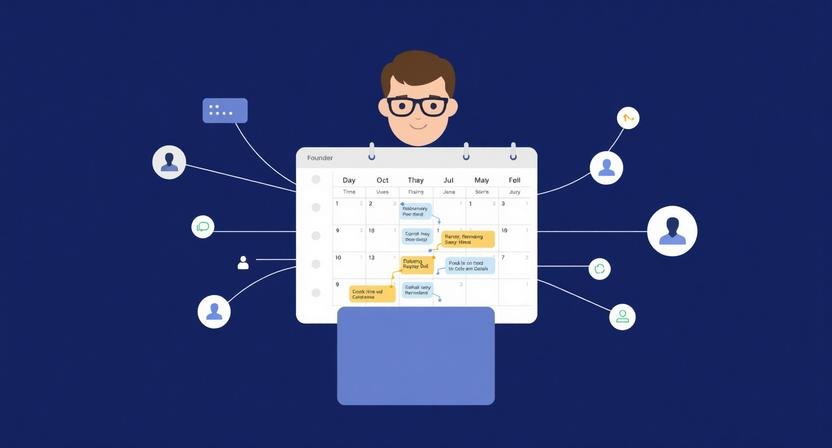
Automate scheduling and reminders isn’t about saving time by itself.
What actually drains founder time is how scheduling and reminders are handled day to day.
Client calls get booked without prep time.
Follow-ups slip because reminders live in three different tools.
Internal meetings pile up because no one owns calendar hygiene.
Automation fixes this—but only if you build it as a system, not a stack of disconnected tools.
This guide shows how solo founders, small teams, and agencies automate scheduling and reminders without breaking trust, overbooking calendars, or creating silent failure points.
Why Most Scheduling Automation Fails After the First Month
Before tools, it’s worth understanding where things break in practice.
Common failure patterns:
- Calendars auto-book meetings back-to-back with zero buffer
- Reminders fire, but no one knows what action to take next
- Clients receive too many notifications and start ignoring them
- Founders automate booking but not decision prep or follow-up
Automation doesn’t remove responsibility.
It moves it upstream.
If you automate scheduling without defining:
- who needs to act,
- by when,
- and what happens if they don’t,
you create silent chaos instead of leverage.
The Pro-Level Scheduling Automation Framework
Think in four layers, not tools.
1. Booking Logic (Who Can Book What, and When)
This layer controls access.
Example (solo consultant):
- Discovery calls: Tue–Thu only, 30 min, capped at 2/day
- Client calls: booked manually or via private link
- No meetings before 10am or after 4pm
Why this works:
You prevent decision fatigue and calendar sprawl before automation kicks in.
Where it breaks:
If every meeting uses the same public link, urgency and priority collapse.
2. Context Injection (What Needs to Happen Before the Meeting)
Most tutorials stop at “meeting booked.” That’s the mistake.
Pro automation adds context automatically:
- Calendar event includes agenda prompt
- AI-generated prep notes pulled from CRM or email history
- Task created: “Review account / proposal / previous thread”
Micro-case (3–5 person agency):
When a sales call is booked:
- CRM contact is updated
- Slack reminder posts 2 hours before with key context
- Founder receives a 3-bullet AI summary, not a raw transcript
Tradeoff:
This requires clean data sources. Messy CRMs produce useless summaries.
3. Reminder Escalation (Not Just Notifications)
Reminders should escalate, not repeat.
Bad automation:
“Reminder: Meeting tomorrow.”
“Reminder: Meeting in 1 hour.”
“Reminder: Meeting starting.”
Effective escalation logic:
- T-24h: Reminder + prep task
- T-2h: Context summary
- Missed meeting: Follow-up drafted automatically
What most people miss:
Missed events are data. Treat them as signals, not accidents.
4. Post-Meeting Follow-Through (Where ROI Actually Lives)
Scheduling automation pays off after the meeting.
Examples:
- AI drafts follow-up email within 10 minutes
- Tasks auto-assigned based on meeting type
- Next reminder scheduled only if action isn’t completed
Founder mistake:
They automate booking but manually chase outcomes—losing compounding gains.
Real-World Setups by Business Type
Solo Founder (Low Complexity, High Control)
Stack pattern:
- Scheduling tool with rules
- Calendar + task manager
- Lightweight AI assistant for summaries
Rule:
If it takes more than 5 minutes to set up a meeting, automation is overkill.
3–10 Person Team (Shared Accountability)
Key addition:
Ownership logic.
- Who owns follow-up?
- Who gets reminded if it slips?
- Where does context live?
Without this, reminders get ignored because “someone else will handle it.”
Agencies & Client Services (External Trust at Risk)
Extra guardrails needed:
- Fewer notifications to clients, more internal ones
- Manual override always available
- Clear cancellation and rescheduling logic
Why:
Clients tolerate friction internally. They don’t tolerate automation mistakes.
What Most Scheduling Tutorials Don’t Tell You
- Automation increases surface area for failure
- Over-notifying trains people to ignore reminders
- AI summaries are only as good as upstream data hygiene
- Perfect automation beats human judgment less often than you think
In most cases, 70% automation with clear escape hatches outperforms full automation.
If You Do Nothing Else, Do This
Automate one meeting type end-to-end:
- Booking
- Prep
- Reminder
- Follow-up
Run it for two weeks.
Fix what breaks.
Only then expand.
That’s how scheduling automation becomes leverage instead of noise.
Want the right AI tools to make this automation stick? Explore the Top 10 Tools for AI Productivity.
BranchNova Summary
Automating scheduling and reminders isn’t about saving minutes—it’s about protecting attention and follow-through. The pros build systems that handle context, escalation, and recovery, not just bookings.
About the Founder
Learn more about our founder, Esa Wroth, and his mission to make AI practical, human-centered, and accessible for entrepreneurs, creators, and professionals.